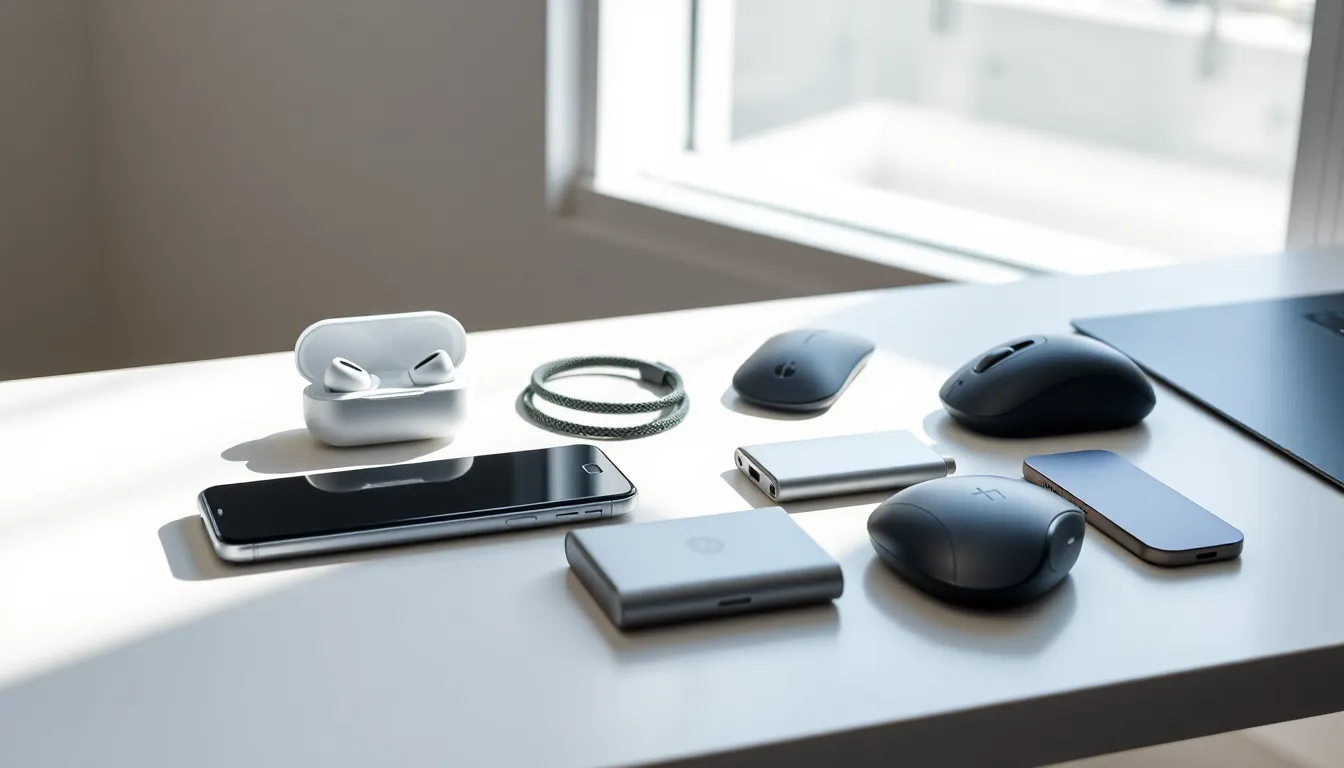
Tech accessories tips can save buyers from wasted money and frustrating purchases. The right charger, case, or headphones can extend a device’s life and improve daily productivity. The wrong ones? They break within months, damage ports, or simply collect dust in a drawer.
This guide covers practical advice for selecting, using, and maintaining tech accessories. Readers will learn which accessories deserve their money, how to avoid common buying mistakes, and simple habits that keep gear working longer. Whether someone owns a single smartphone or a full home office setup, these tech accessories tips apply across the board.
Table of Contents
ToggleKey Takeaways
- Always check device specifications like voltage, wattage, and connector type before buying any tech accessory to ensure compatibility.
- Invest in surge protectors and quality cables—a $30 surge protector can save a $1,500 laptop from power surge damage.
- Store cables using the over-under coiling method and avoid extreme temperatures to significantly extend accessory lifespan.
- Don’t buy based on price alone; uncertified chargers and flimsy cases often cost more long-term through replacements or device damage.
- Spend 15 minutes researching reviews, teardowns, and user feedback before purchasing to avoid impulse buys and regret.
- These tech accessories tips apply whether you own a single smartphone or a complete home office setup.
Choosing the Right Accessories for Your Devices
Compatibility matters more than brand loyalty. A charger rated for one phone model might damage another. Buyers should always check voltage, wattage, and connector type before purchasing any accessory.
Check Device Specifications First
Every device has specific power requirements. A laptop that needs 65W won’t charge properly with a 30W adapter. Similarly, USB-C cables vary in data transfer speeds and power delivery capabilities. The packaging often displays these numbers, read them.
Match Quality to Use Case
Someone who travels weekly needs a durable travel adapter built to handle different outlets and voltage fluctuations. A home user might prioritize aesthetics over portability. Tech accessories tips often focus on features, but the real question is: how will someone actually use this item?
Consider the Ecosystem
Apple users benefit from MagSafe-compatible products. Android users have more flexibility but should verify fast-charging protocols like Qualcomm Quick Charge or USB Power Delivery. Mixing ecosystems isn’t impossible, but it requires extra research.
Generic accessories aren’t automatically bad. Many third-party manufacturers produce quality products at lower prices. The key is checking reviews and certifications rather than assuming premium brands always perform better.
Essential Tech Accessories Worth Investing In
Not every accessory deserves budget space. Some provide genuine value: others are marketing fluff. Here are categories worth real investment.
Surge Protectors and UPS Units
Power surges destroy electronics. A $30 surge protector can save a $1,500 laptop. Uninterruptible power supplies (UPS) add battery backup for desktop setups, preventing data loss during outages. This is one of those tech accessories tips people ignore until disaster strikes.
Quality Cables and Chargers
Cheap cables fray, overheat, and charge slowly. Certified cables from reputable brands cost slightly more but last years instead of months. Look for braided nylon construction and reinforced stress points near connectors.
Protective Cases and Screen Protectors
A dropped phone without protection costs hundreds in repairs. Tempered glass screen protectors absorb impact. Cases with raised edges keep screens from touching flat surfaces. These accessories pay for themselves after one accident.
External Storage Solutions
Cloud storage has limits and recurring costs. External SSDs offer fast, reliable backup without monthly fees. They’re especially valuable for photographers, videographers, and anyone working with large files.
Ergonomic Input Devices
Keyboards and mice designed for comfort reduce strain during long work sessions. Mechanical keyboards, vertical mice, and wrist rests aren’t luxury items, they’re health investments.
Tips for Extending the Lifespan of Your Accessories
Buying quality accessories means nothing if poor habits destroy them quickly. Simple maintenance practices extend product life significantly.
Store Cables Properly
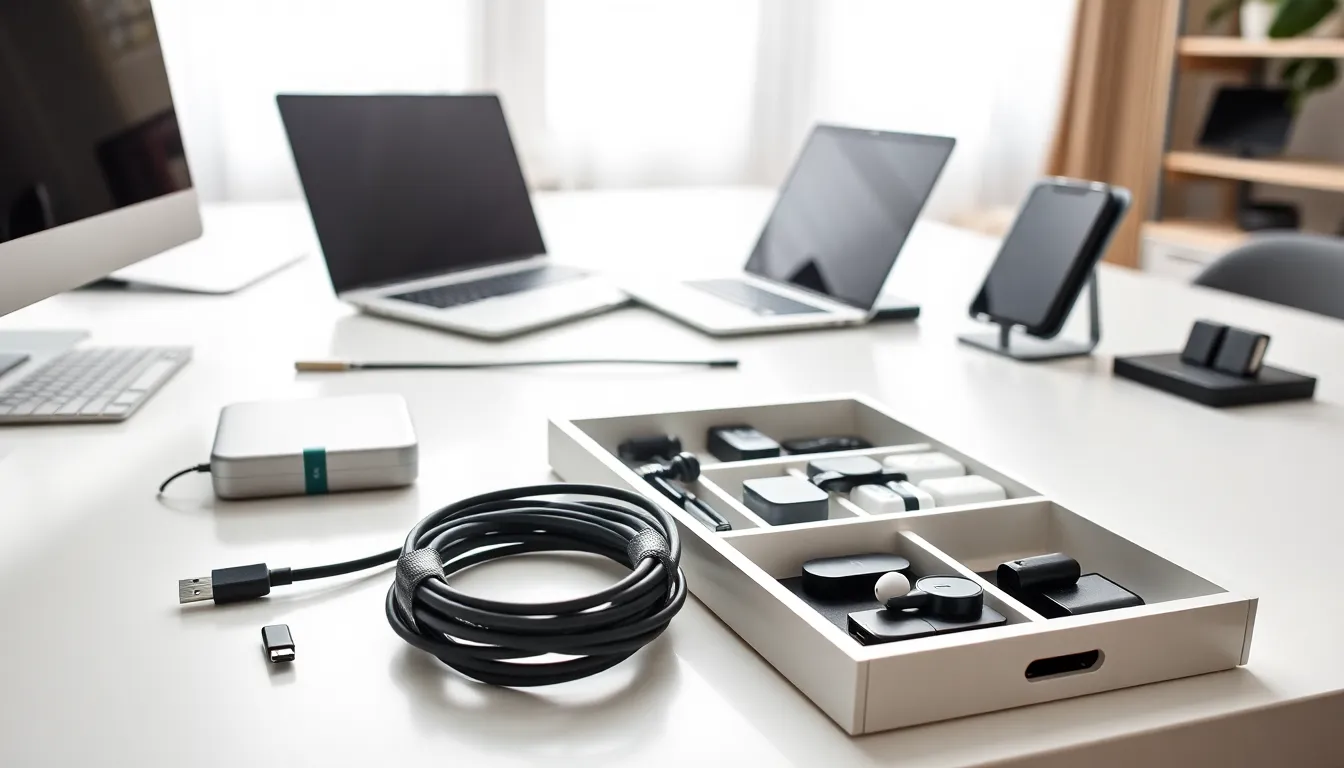
Tight wrapping damages internal wires. The over-under coiling method prevents twists and extends cable life. Velcro straps work better than rubber bands, which degrade and stick to cable insulation.
Clean Accessories Regularly
Dust accumulates in charging ports, keyboard switches, and headphone grills. Compressed air removes debris from tight spaces. Isopropyl alcohol (70% concentration) safely cleans most surfaces without leaving residue.
Avoid Extreme Temperatures
Batteries hate heat. Leaving power banks in hot cars degrades their capacity permanently. Cold temperatures also affect performance, though damage is usually temporary. Store accessories in climate-controlled environments when possible.
Unplug When Not in Use
Constant power draw wears out charging accessories faster. It also wastes electricity. Smart power strips cut power to accessories automatically when primary devices shut down.
These tech accessories tips sound basic, but most people skip them. A cable that lasts three years instead of six months represents real savings over time.
Common Mistakes to Avoid When Buying Tech Accessories
Smart shoppers learn from others’ errors. These mistakes waste money and create frustration.
Buying Based on Price Alone
The cheapest option often costs more long-term. Uncertified chargers can damage batteries. Flimsy cases crack on first impact. Budget-friendly doesn’t mean lowest-priced, it means best value for money spent.
Ignoring Return Policies
Accessories sometimes don’t work as expected. A 30-day return window allows testing before commitment. Sellers who refuse returns often sell inferior products.
Overlooking Warranty Coverage
Reputable brands offer warranties ranging from one year to lifetime coverage. This protection matters for expensive items like monitors, docking stations, and mechanical keyboards. Keep receipts and register products when required.
Falling for Unnecessary Features
RGB lighting on a charging cable adds cost without function. Gold-plated connectors don’t improve signal quality for digital cables. Marketing creates desire for features that provide zero practical benefit.
Buying Without Research
Online reviews reveal real-world performance. YouTube teardowns expose build quality. Reddit threads discuss long-term reliability. Spending fifteen minutes researching prevents weeks of regret.
These tech accessories tips seem obvious in hindsight. Yet manufacturers profit billions annually from impulse purchases and uninformed buyers.