A good tech accessories guide can save hours of frustration and hundreds of dollars in bad purchases. Whether someone owns the latest smartphone, a trusty laptop, or a collection of wearables, the right accessories transform how they use their devices daily.
The market offers thousands of options. Cases, chargers, keyboards, headphones, and countless other add-ons compete for attention. Some deliver real value. Others collect dust in drawers after a week. This guide breaks down the essential tech accessories for every major device category and explains how to pick the ones that actually matter.
Table of Contents
ToggleKey Takeaways
- A comprehensive tech accessories guide helps you avoid wasting money on products that end up unused in drawers.
- Protective cases and tempered glass screen protectors are the most essential smartphone accessories for preventing costly damage.
- External monitors can boost productivity by up to 30%, making them one of the best investments for laptop and desktop users.
- Power banks with 10,000mAh capacity provide two to three full phone charges, ideal for daily use and travel.
- Always check compatibility with your device ecosystem before purchasing tech accessories to ensure they work properly.
- Balance quality and budget by reading multiple reviews—cheap accessories often cost more long-term due to replacements.
Essential Accessories for Smartphones and Tablets
Smartphones and tablets represent most people’s primary computing devices. The right tech accessories can extend their lifespan, boost productivity, and improve daily use.
Protective Cases and Screen Protectors
A quality case remains the single most important smartphone accessory. Drop damage accounts for the majority of phone repairs, and a good case prevents most of these incidents. Look for cases with raised edges that protect the screen when placed face-down.
Tempered glass screen protectors offer better scratch resistance than plastic film alternatives. They cost more upfront but last longer and feel closer to the original screen surface.
Chargers and Power Banks
Fast charging has become standard on most modern devices. A fast charger can fill a battery from 0% to 50% in about 30 minutes, a significant upgrade from standard chargers that take over an hour for the same result.
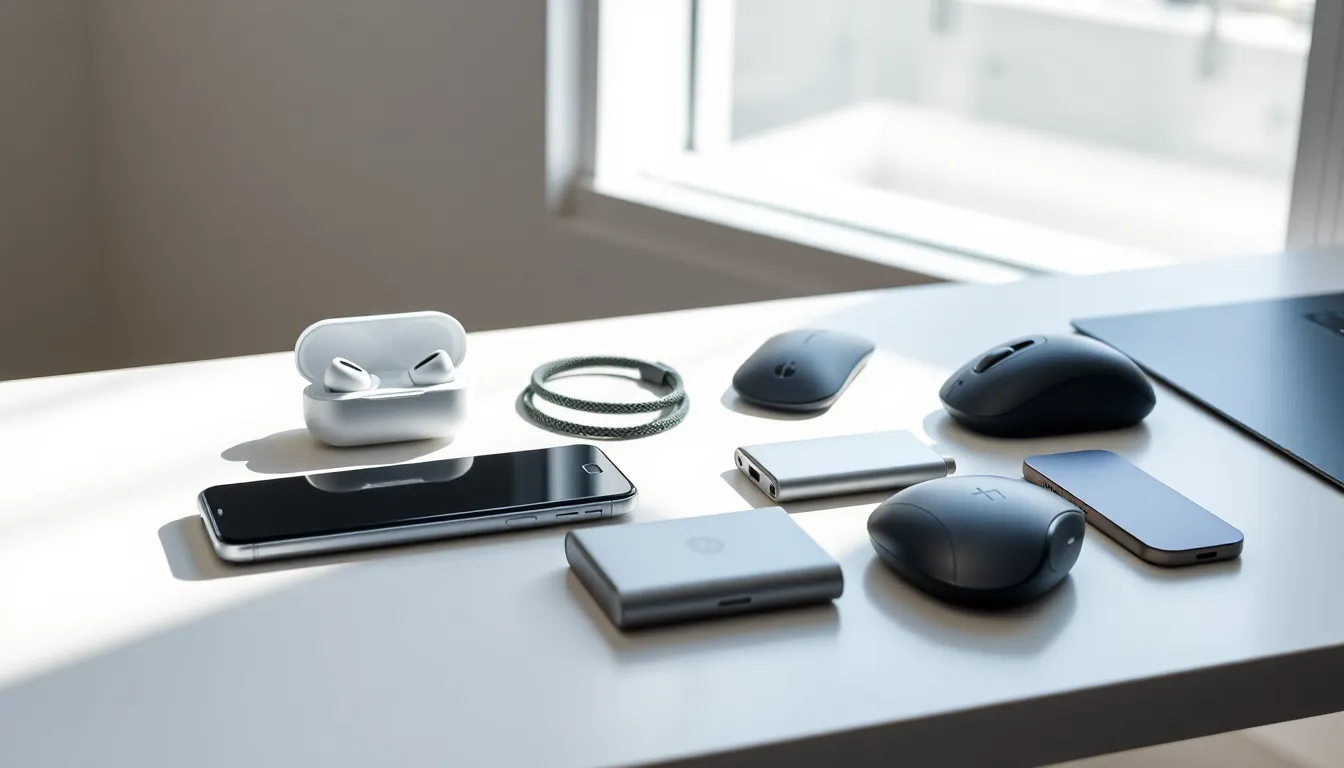
Power banks solve the dead-battery problem when outlets aren’t available. For daily use, a 10,000mAh capacity provides two to three full phone charges. Travelers might prefer 20,000mAh models for extended trips.
Stands and Mounts
Tablet stands turn devices into secondary monitors, video call stations, or recipe displays. Adjustable stands offer more flexibility than fixed-angle options.
Car mounts keep phones accessible for GPS navigation without the danger of holding them. Magnetic mounts work quickly but require a metal plate attachment. Vent clips and dashboard mounts suit different vehicle layouts.
Styluses and Keyboards
Tablet users who create content or take notes benefit from styluses. Apple Pencil and Samsung S Pen lead the market for their respective ecosystems, while third-party options work across multiple brands.
Bluetooth keyboards transform tablets into laptop replacements for writing tasks. Compact, foldable designs travel easily, though full-size keyboards provide better typing comfort for extended sessions.
Must-Have Laptop and Computer Accessories
Laptops and desktop computers require different tech accessories depending on their use case. Remote workers, gamers, and casual users all have distinct needs.
External Monitors and Docking Stations
An external monitor remains one of the best productivity investments available. Studies show dual-monitor setups can increase productivity by up to 30% for certain tasks. A 27-inch display hits the sweet spot between screen space and desk footprint for most users.
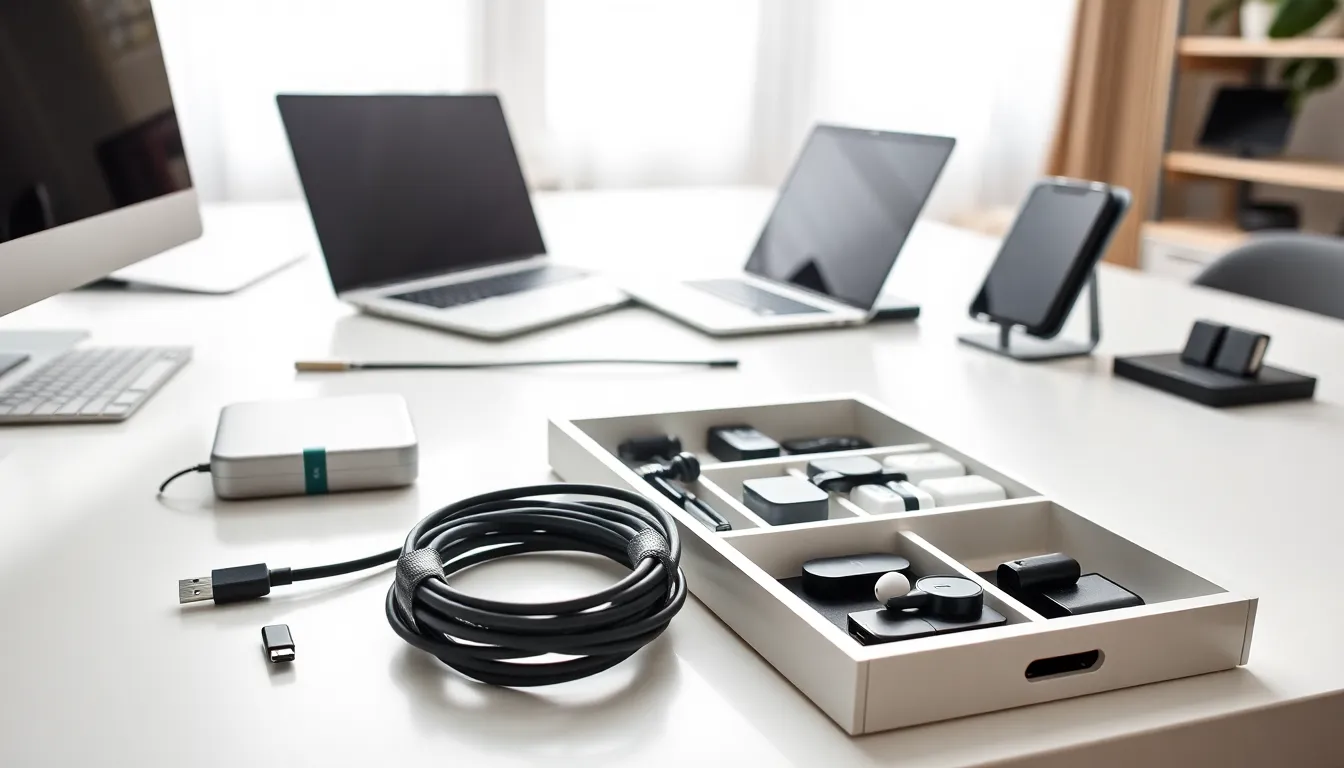
Docking stations solve the cable mess problem for laptop users. One connection provides power, display output, USB ports, and network access. This setup makes transitioning between mobile and desk work seamless.
Keyboards and Mice
Mechanical keyboards offer tactile feedback that membrane keyboards can’t match. They cost more but last longer, often 50 million keystrokes compared to 5 million for membrane alternatives.
Ergonomic mice reduce wrist strain during long work sessions. Vertical mice position the hand in a handshake grip that feels unusual at first but proves more comfortable over time.
Storage Solutions
External SSDs have dropped in price dramatically. A 1TB portable SSD now costs around $80-100 and transfers files significantly faster than traditional hard drives. These drives fit in a pocket and handle bumps better than spinning disk drives.
Cloud backup services complement physical storage. The 3-2-1 backup rule suggests keeping three copies of important data, on two different media types, with one stored off-site.
Webcams and Microphones
Built-in laptop webcams often produce grainy, poorly lit video. A dedicated webcam with 1080p resolution and good low-light performance makes a noticeable difference in video calls.
USB microphones improve audio quality for calls, podcasts, and content creation. Even budget options around $50 outperform built-in laptop microphones by a wide margin.
Audio and Wearable Tech Add-Ons
Audio devices and wearables have their own ecosystem of tech accessories that enhance functionality and longevity.
Headphone and Earbud Accessories
Replacement ear tips can transform how earbuds fit and sound. Memory foam tips create a better seal than silicone, improving bass response and noise isolation.
Protective cases for wireless earbuds prevent scratches and add personality. Some cases include carabiner clips or wireless charging capability that the original case lacks.
Headphone stands keep over-ear models organized and prevent cable damage. Wooden or metal stands also look better on a desk than headphones lying flat.
Smartwatch Bands and Chargers
Swapping watch bands offers the cheapest way to refresh a smartwatch’s appearance. Silicone works for exercise, leather suits formal settings, and metal bands split the difference.
Portable smartwatch chargers solve the problem of dead batteries during travel. Keychain-sized options hold enough power for one or two full charges.
Fitness Tracker Add-Ons
Chest strap heart rate monitors provide more accurate readings than wrist-based sensors during intense workouts. Serious athletes often pair these with their existing fitness trackers.
Screen protectors for fitness trackers and smartwatches prevent scratches from gym equipment and daily wear. Thin film protectors don’t affect touch sensitivity.
How to Choose the Right Tech Accessories for Your Needs
With thousands of tech accessories available, smart shopping requires a clear strategy.
Assess Your Actual Usage Patterns
Start by identifying pain points with current devices. Does the battery die before the day ends? A power bank solves that. Does typing on a tablet feel slow? A keyboard helps. Match accessories to real problems rather than hypothetical use cases.
Track device usage for a week before buying. Many people overestimate how often they’ll use certain accessories. That portable projector seems exciting until it sits unused for six months.
Consider Compatibility and Ecosystem
Tech accessories work best within their intended ecosystems. Apple accessories often don’t work with Android devices, and vice versa. Check compatibility before purchasing, especially for charging accessories where different devices use different standards.
Universal accessories, like USB-C hubs or Bluetooth speakers, work across multiple devices and offer better long-term value.
Balance Quality and Budget
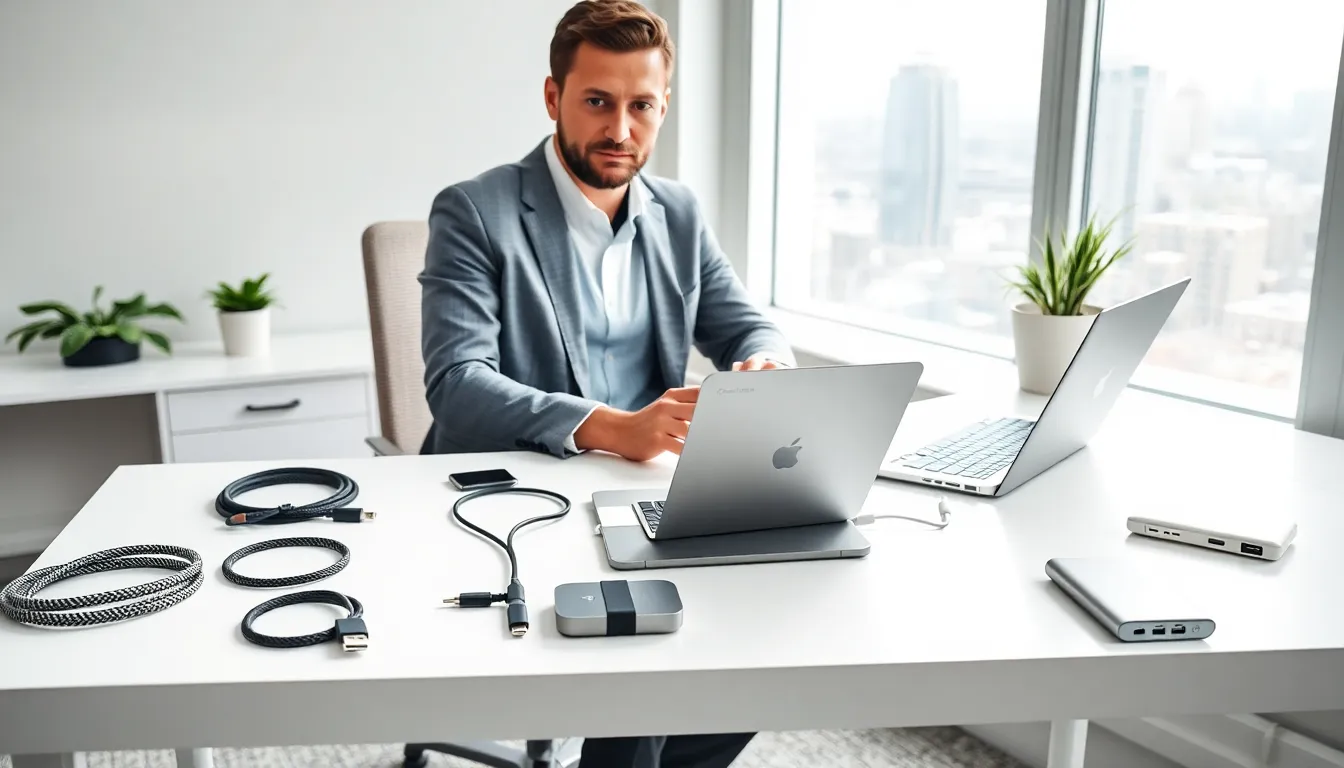
Cheap accessories often cost more in the long run. A $5 charging cable might fray within months, while a $20 cable with better build quality lasts years. But, premium prices don’t always indicate premium quality.
Read reviews from multiple sources. User reviews reveal durability issues that don’t appear in marketing materials. Professional reviews test features and compare similar products.
Think About Portability
Accessories that stay home serve a different purpose than those that travel. A full-size mechanical keyboard works great at a desk but won’t fit in a laptop bag. Match accessory size to intended use location.