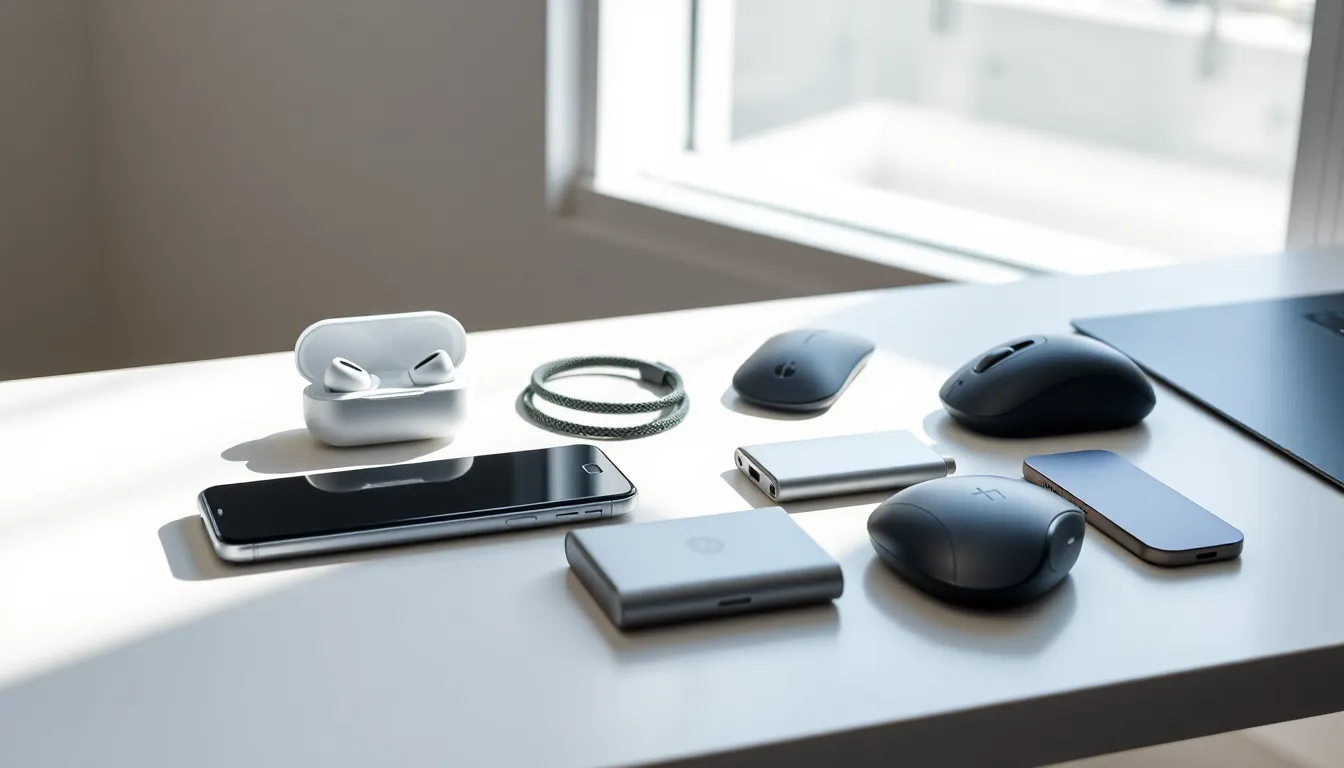
Tech accessories strategies can make or break a productive setup. The right cables, chargers, cases, and peripherals turn a good workspace into a great one. The wrong ones? They create clutter, drain budgets, and gather dust in drawers.
Most people buy tech accessories reactively. A cable breaks, so they grab the cheapest replacement. A new device arrives, and they hunt for a compatible charger at the last minute. This approach wastes money and leaves gaps in functionality.
A smarter method exists. By assessing needs, prioritizing quality, organizing effectively, and planning for the future, anyone can build a tech accessory collection that actually works. This guide breaks down the specific strategies that separate intentional buyers from impulse shoppers.
Table of Contents
ToggleKey Takeaways
- Effective tech accessories strategies start with inventorying your devices and identifying gaps before making any purchases.
- Prioritize quality over quantity—cheap cables and chargers often cost more long-term through replacements and potential device damage.
- Create dedicated storage zones and label cables to keep your accessories organized and easy to find when needed.
- Invest in universal standards like USB-C and wireless charging to future-proof your tech accessory collection.
- Match accessories to your actual workflows rather than theoretical needs to avoid paying for features you’ll never use.
- Maintain a pre-packed travel kit with essential chargers, cables, and adapters to eliminate last-minute packing stress.
Assess Your Tech Ecosystem Before Buying
Every smart tech accessories strategy starts with an inventory. Before spending a dollar, users should document what they already own and what they actually need.
Take Stock of Current Devices
List every device in regular use: smartphones, tablets, laptops, smartwatches, earbuds, gaming consoles, and smart home gadgets. Note the ports each device uses. A MacBook owner needs USB-C accessories. An older Windows laptop might require USB-A connections. This simple step prevents buying incompatible gear.
Identify Gaps and Redundancies
Many people own three phone chargers but zero backup cables for their laptop. Others have multiple adapters that serve identical functions. Spotting these patterns reveals where to invest and where to consolidate.
Ask these questions:
- Which accessories get used daily?
- Which ones haven’t been touched in six months?
- What tasks require workarounds due to missing gear?
Match Accessories to Real Workflows
A photographer needs fast SD card readers and reliable external drives. A remote worker benefits from a quality webcam and noise-canceling headphones. A frequent traveler requires compact, multi-device chargers.
Tech accessories strategies should reflect actual use cases, not theoretical scenarios. That 7-in-1 hub looks impressive, but if someone only needs two ports, they’re paying for features they’ll never use.
Prioritize Quality Over Quantity
Cheap tech accessories often cost more in the long run. A $5 cable that frays after two months gets replaced repeatedly. A $20 cable that lasts three years saves money and frustration.
The True Cost of Budget Accessories
Low-quality chargers can damage device batteries. Flimsy cables create fire hazards. Poorly made cases offer minimal protection during drops. The initial savings disappear when devices need repairs or replacements.
Effective tech accessories strategies account for total cost of ownership, not just sticker price.
Signs of Quality Worth Paying For
Look for these indicators:
- Brand reputation: Companies like Anker, Belkin, and Apple have track records for reliability.
- Certifications: MFi (Made for iPhone) certification ensures compatibility. USB-IF certification guarantees power delivery standards.
- Warranty length: A two-year warranty signals manufacturer confidence.
- Build materials: Braided cables outlast rubber-coated ones. Aluminum cases protect better than plastic.
When Budget Options Make Sense
Not every accessory needs premium treatment. Screen protectors, cable organizers, and basic stands can come from budget brands without major downsides. The key is distinguishing between accessories that interact with device internals (chargers, cables, batteries) and those that don’t (cases, mounts, storage pouches).
Solid tech accessories strategies blend premium picks for critical items with cost-conscious choices for everything else.
Organize and Store Accessories Effectively
Owning great accessories means nothing if they can’t be found when needed. Organization turns a pile of tangled cables into a functional system.
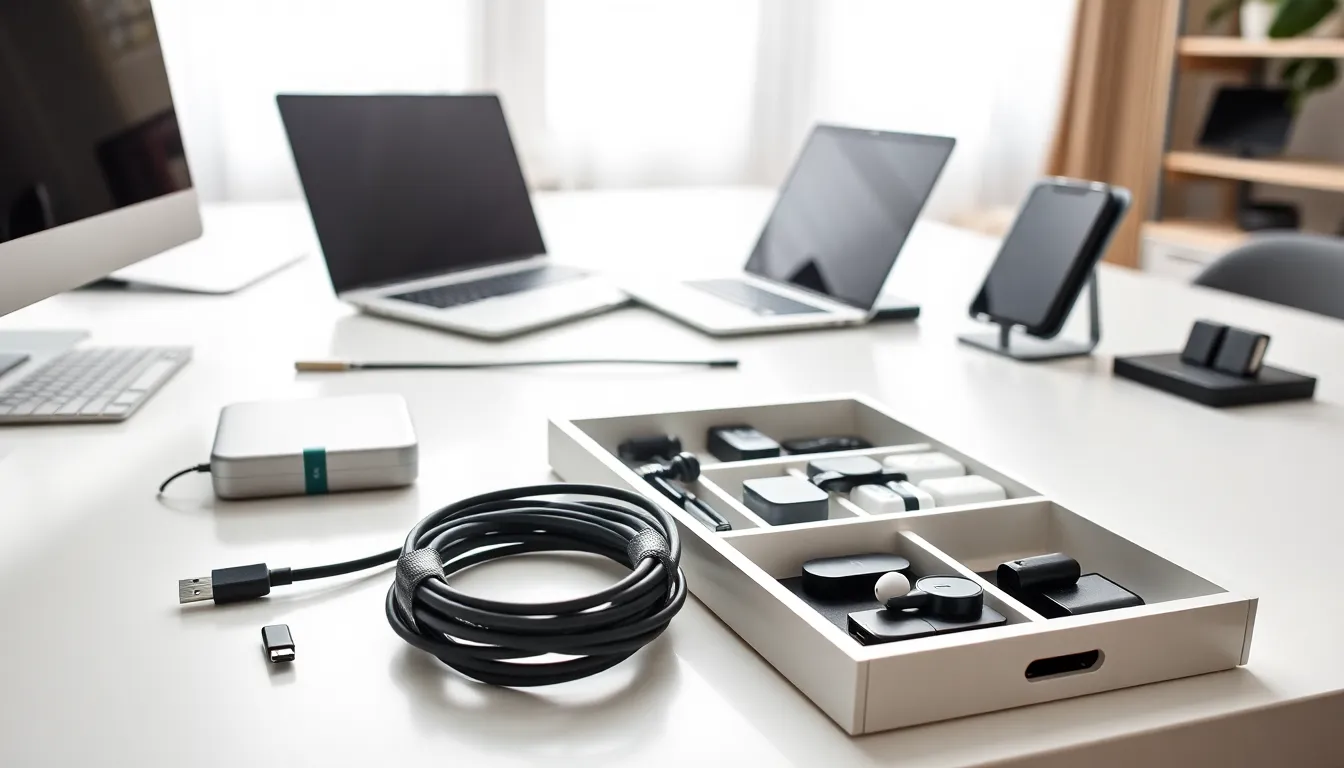
Create Dedicated Storage Zones
Designate specific spots for accessory categories:
- A drawer for cables, sorted by type
- A shelf for chargers and power banks
- A pouch or bag for travel gear
- A box for rarely used but necessary items (adapters, legacy cables)
This approach ensures every accessory has a home. When something gets used, it returns to the same spot.
Label Everything
Multiple USB-C cables look identical until one needs a specific wattage for fast charging. Small labels or color-coded cable ties solve this problem instantly. Mark cables with their power output, compatible devices, or purchase date.
Carry out Cable Management Solutions
Cable chaos undermines any tech accessories strategy. Solutions include:
- Velcro straps for bundling cables
- Cable clips attached to desk edges
- Cable boxes to hide power strip clutter
- Under-desk trays for routing wires out of sight
Maintain a Travel Kit
Frequent travelers benefit from a pre-packed accessory pouch. Include a multi-port charger, essential cables, a portable power bank, and any adapters needed for international outlets. Keeping this kit ready eliminates last-minute packing scrambles and prevents forgotten essentials.
Future-Proof Your Tech Accessory Investments
Technology changes fast. Tech accessories strategies should anticipate shifts rather than react to them.
Embrace Universal Standards
USB-C has become the dominant connector for phones, laptops, tablets, and even gaming handhelds. The European Union now mandates USB-C for most portable electronics. Investing in USB-C accessories today means fewer replacements tomorrow.
Wireless charging pads offer another future-friendly option. As more devices support Qi or Qi2 standards, a single charging pad can power multiple gadgets across brands.
Buy for Your Next Device, Not Just Your Current One
When purchasing accessories, consider upcoming upgrades. If a laptop replacement is planned within a year, buy accessories compatible with likely future specs. A Thunderbolt 4 dock works with Thunderbolt 3 devices today and newer machines later.
Avoid Proprietary Lock-In When Possible
Some brands design accessories that only work with their own products. This creates dependency and limits flexibility. Where practical, choose accessories with broad compatibility across manufacturers and device types.
Exceptions exist. Apple’s MagSafe ecosystem, for instance, offers unique functionality worth the platform commitment for dedicated Apple users.
Track Technology Trends
Stay informed about emerging standards. Wi-Fi 7 routers are entering the market. USB4 offers faster transfer speeds. GaN (gallium nitride) chargers deliver more power in smaller packages. Understanding these developments helps users make informed purchase decisions.
Smart tech accessories strategies balance current needs with reasonable predictions about where technology is heading.