Tech accessories can make or break the daily experience with smartphones, laptops, tablets, and other gadgets. The right charger keeps devices powered. The wrong case leaves a phone vulnerable to damage. With thousands of options on the market, choosing the best tech accessories requires a clear strategy.
This guide covers everything from device compatibility to organization tips. Readers will learn how to identify essential tech accessories, spot quality products, and keep their gear in top shape. Whether upgrading a home office setup or protecting a new tablet, these practical insights will help anyone make smarter purchasing decisions.
Table of Contents
ToggleKey Takeaways
- Always verify device compatibility—including port type, power requirements, and dimensions—before purchasing any tech accessories.
- Invest in essential tech accessories like GaN chargers, quality cables, and protective cases to keep devices powered and protected.
- Choose reputable brands and look for certifications (MFi, USB-IF, Qi) to ensure safety and quality when buying tech accessories.
- Avoid counterfeits by shopping from authorized retailers and watching for red flags like unusually low prices or vague seller information.
- Organize cables with labels and Velcro ties, and regularly clean charging ports and cases to extend accessory lifespan.
- Consider future-proofing by investing in USB-C accessories, which are becoming the universal standard for most new devices.
Identify Your Device Compatibility Needs
Every tech accessory purchase should start with one question: will this work with my device? Compatibility issues cause frustration and wasted money. A charger built for one phone model may damage another. A laptop sleeve designed for 13-inch screens won’t fit a 15-inch device.
Here’s how to check compatibility before buying tech accessories:
- Check the port type. USB-C, Lightning, USB-A, and micro-USB are the most common. Apple devices typically use Lightning or USB-C. Most Android phones now use USB-C. Older devices may still require micro-USB.
- Verify power requirements. Fast chargers need specific wattage ratings. A 20W charger won’t deliver 65W fast charging to a laptop that needs it. Check the device manual for recommended power specs.
- Confirm operating system support. Some tech accessories require specific software. Wireless earbuds may offer full features on iOS but limited functionality on Android, or vice versa.
- Measure dimensions. Cases, sleeves, and stands need exact measurements. A tablet case designed for an iPad Pro 11-inch won’t fit an iPad Air properly.
Manufacturer websites list compatible devices for most accessories. Third-party sellers should specify compatibility in product descriptions. When in doubt, contact customer support before purchasing.
Buyers should also consider future-proofing. USB-C has become the universal standard for most new devices. Investing in USB-C tech accessories now can save money when upgrading phones or laptops later.
Essential Tech Accessories For Everyday Use
Some tech accessories are nice to have. Others are essential. The following categories represent the must-have items for most device owners.
Charging And Power Accessories
Charging accessories keep devices running. Without them, even the best smartphone becomes useless.
Wall chargers remain the fastest way to power up. Look for GaN (gallium nitride) chargers, they run cooler and pack more power into smaller sizes. Multi-port chargers can handle a phone, tablet, and earbuds simultaneously.
Portable power banks provide backup power on the go. Capacity matters here. A 10,000mAh power bank can charge most smartphones twice. Frequent travelers may want 20,000mAh or higher.
Wireless chargers offer convenience at the cost of speed. They work well for overnight charging or desk setups. Qi-certified wireless chargers work with most modern smartphones.
Cables often get overlooked, but quality matters. Cheap cables fray quickly and may not support fast charging. Braided nylon cables last longer than standard rubber ones. MFi-certified cables ensure safety for Apple devices.
Protective Cases And Covers
A cracked screen can cost hundreds to repair. A good case costs under $50 and prevents that damage entirely.
Phone cases come in several styles. Slim cases add minimal bulk but offer limited drop protection. Rugged cases protect against serious falls but increase size and weight. Clear cases show off the phone’s design while adding basic protection.
Screen protectors guard against scratches and cracks. Tempered glass protectors offer better feel and clarity than plastic film. Some include privacy filters that prevent others from viewing the screen at angles.
Laptop sleeves and bags protect devices during transport. Neoprene sleeves absorb shock. Hardshell cases offer maximum protection for frequent travelers.
These tech accessories pay for themselves by preventing costly repairs or replacements.
Tips For Buying Quality Tech Accessories
Not all tech accessories are created equal. A $5 charger might look identical to a $25 option, but the differences matter.
Stick with reputable brands. Anker, Belkin, Spigen, OtterBox, and Native Union have earned strong reputations for quality. Lesser-known brands can work fine, but research them first. Check reviews on multiple platforms, not just the seller’s website.
Look for certifications. MFi (Made for iPhone/iPad) certification means Apple has tested the accessory. USB-IF certification confirms USB accessories meet industry standards. Qi certification applies to wireless chargers. These labels indicate safety testing and quality control.
Read the warranty terms. Good manufacturers stand behind their products. A two-year warranty suggests confidence in build quality. No warranty at all raises red flags.
Compare prices carefully. The cheapest option often costs more in the long run. A $10 cable that breaks in three months costs more than a $20 cable that lasts three years. But overpaying doesn’t guarantee quality either. Compare features and reviews at multiple price points.
Watch for counterfeits. Fake tech accessories flood online marketplaces. They often use stolen logos and fake reviews. Unusually low prices, poor packaging, and vague seller information signal potential counterfeits. Buy from authorized retailers when possible.
Check return policies. Even well-researched purchases sometimes disappoint. A 30-day return window allows testing the accessory with actual devices before committing.
How To Organize And Maintain Your Tech Accessories
Tech accessories accumulate fast. Cables tangle. Chargers disappear. Cases pile up in drawers. A simple organization system prevents this chaos.
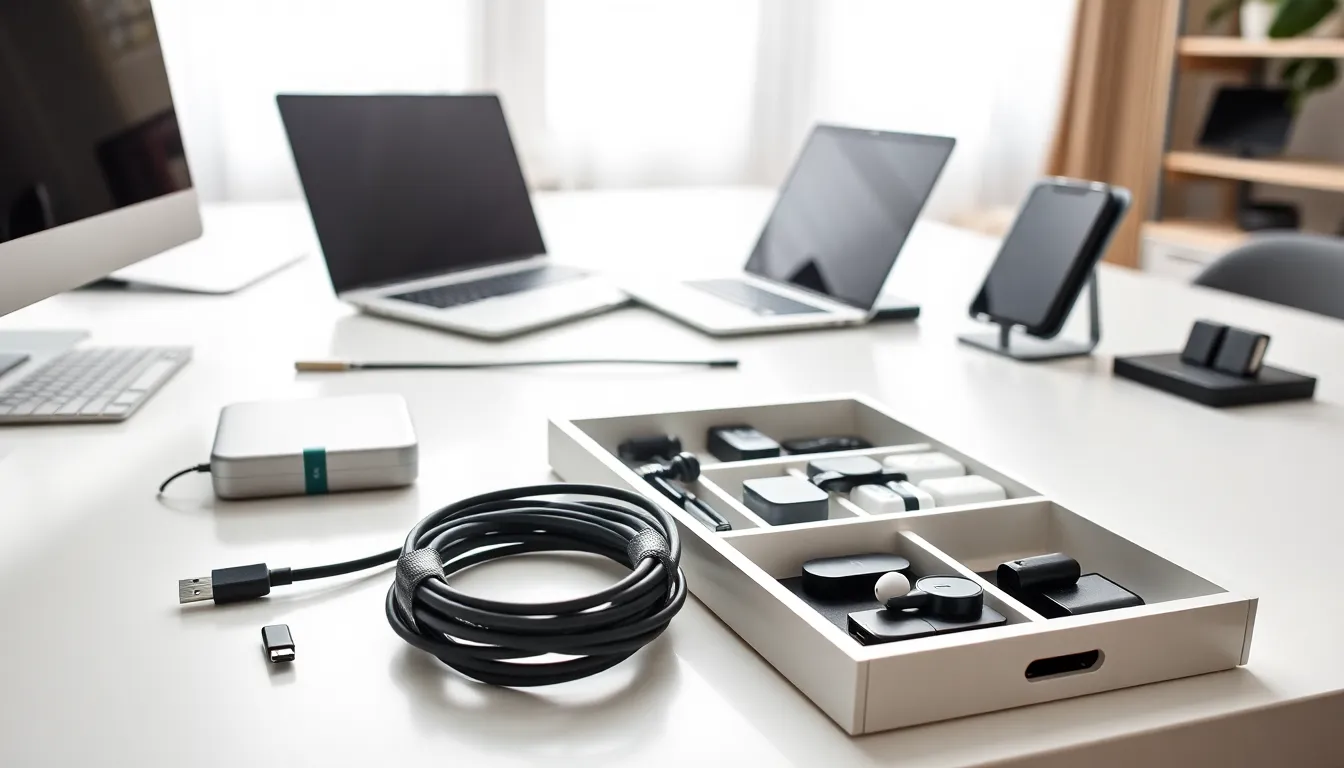
Cable management starts with labeling. Color-coded cables or small tags identify which cable belongs to which device. Velcro ties keep cables bundled without damaging them. Cable organizers on desks prevent tangling and make the right cable easy to grab.
Storage solutions depend on the collection size. Small pouches work for travelers who carry a few essentials. Drawer organizers with compartments suit home offices. Tech bags with designated pockets keep everything accessible.
Regular cleaning extends accessory life. Wipe phone cases with a damp cloth weekly. Clean charging ports gently with a soft brush, lint and dust cause connection problems. Disinfect shared accessories like charging cables periodically.
Audit the collection periodically. Old tech accessories for devices no longer owned just create clutter. Recycle incompatible items through electronics recycling programs. Many retailers accept old cables and chargers.
Proper storage protects accessories. Keep power banks away from extreme heat, batteries degrade faster in hot environments. Store cables loosely coiled, not tightly wound, to prevent internal wire damage. Cases should stay clean and dry when not in use.
These habits keep tech accessories functional and findable for years.