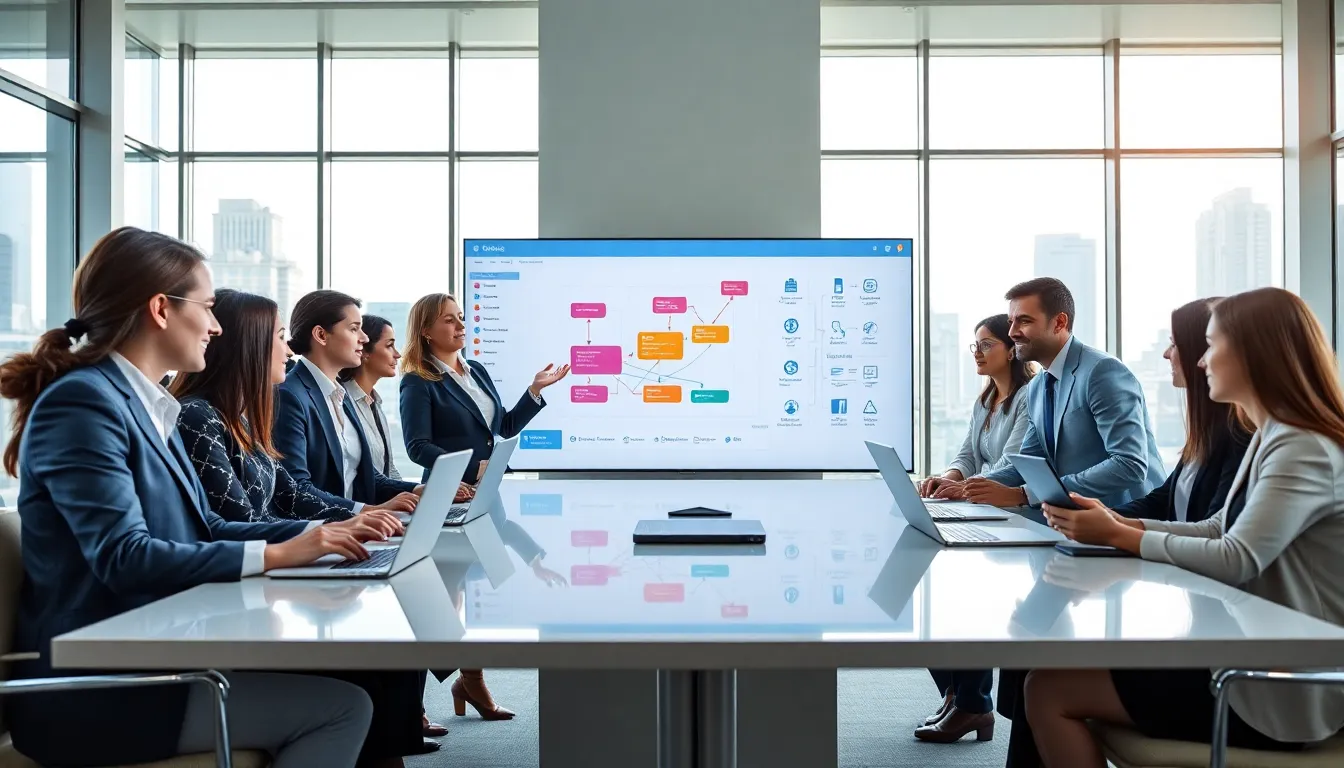
No-code platforms for beginners have changed how people build websites, apps, and automated workflows. These tools let anyone create digital products without writing a single line of code. Business owners, marketers, and entrepreneurs now launch projects in days instead of months. The barrier to entry has dropped dramatically, and that’s great news for people with ideas but no programming background.
This guide covers everything beginners need to know about no-code platforms. It explains what they are, highlights the best options available, and walks through the features that matter most. By the end, readers will have a clear path to starting their first no-code project.
Table of Contents
ToggleKey Takeaways
- No-code platforms for beginners allow anyone to build websites, apps, and automated workflows without writing a single line of code.
- Top beginner-friendly options include Webflow for websites, Bubble for web apps, Zapier for automations, Airtable for databases, and Glide for mobile apps.
- When choosing a no-code platform, prioritize ease of use, available templates, integration capabilities, scalability, and community support.
- Start small with your first project—build a simple landing page or basic automation to develop skills before tackling complex applications.
- Use templates as efficient starting points and actively follow tutorials to accelerate your learning curve.
- Launch imperfect work early, gather real user feedback, and iterate—perfectionism kills more projects than lack of technical skill.
What Are No-Code Platforms and Why Do They Matter
No-code platforms are software tools that allow users to build applications, websites, and workflows through visual interfaces. Instead of typing code, users drag and drop elements, connect pre-built components, and configure settings through menus. The platforms handle all the technical work behind the scenes.
These tools matter because they democratize software development. A restaurant owner can build a reservation system. A nonprofit manager can create a donor database. A freelancer can launch an online course platform. None of them need to hire developers or learn programming languages.
The no-code movement has grown rapidly over the past five years. Gartner predicts that by 2025, 70% of new applications developed by enterprises will use low-code or no-code technologies. That’s a significant shift from just 25% in 2020.
No-code platforms for beginners offer several clear advantages:
- Speed: Projects that once took months now take weeks or even days
- Cost savings: No need to pay developer salaries or contractor fees
- Flexibility: Users can make changes instantly without waiting for technical support
- Learning curve: Most people can start building within hours, not months
The platforms aren’t perfect substitutes for custom development. Complex applications with unique requirements may still need traditional coding. But for most common use cases, landing pages, simple apps, automated workflows, databases, no-code platforms deliver excellent results.
Top No-Code Platforms Perfect for Beginners
Several no-code platforms stand out for their beginner-friendly design. Each serves different purposes, so the best choice depends on what someone wants to build.
Webflow
Webflow excels at website creation. It gives users precise control over design while generating clean, professional code automatically. Beginners can start with templates and customize them extensively. The platform includes hosting, CMS functionality, and e-commerce features. Webflow works best for portfolios, business websites, and blogs.
Bubble
Bubble handles web application development. Users can build fully functional apps with user accounts, databases, and complex logic. The learning curve is steeper than simpler tools, but Bubble offers tremendous power. Startups have launched real businesses using Bubble-built products. It’s ideal for marketplaces, social platforms, and SaaS tools.
Zapier
Zapier connects different apps and automates workflows. Users create “Zaps” that trigger actions across thousands of applications. For example, a Zap could automatically save email attachments to Google Drive and notify the team on Slack. Beginners find Zapier intuitive because the interface walks them through each step.
Airtable
Airtable combines spreadsheet simplicity with database power. Teams use it to manage projects, track inventory, organize content calendars, and more. The platform offers templates for common use cases and allows extensive customization. No-code platforms for beginners often start here because the spreadsheet metaphor feels familiar.
Glide
Glide turns spreadsheets into mobile apps. Users connect a Google Sheet, and Glide generates an app interface automatically. They can then customize the design, add features, and publish. Small businesses use Glide for internal tools, directories, and customer-facing apps.
Each of these no-code platforms offers free tiers or trials. Beginners should experiment with several before committing to one.
Key Features to Look for When Choosing a Platform
Selecting the right no-code platform requires evaluating several important features. Not every platform suits every project.
Ease of Use
The interface should feel intuitive. Look for drag-and-drop builders, clear menus, and helpful tooltips. Some no-code platforms for beginners include guided tutorials that walk users through their first project. Test the platform before purchasing a paid plan.
Templates and Pre-Built Components
Good templates save hours of work. They provide starting points that users can modify to fit their needs. Pre-built components, forms, buttons, galleries, payment processors, speed up development significantly. The best platforms offer extensive libraries of both.
Integration Capabilities
Most projects need to connect with other tools. Check whether the platform integrates with payment processors, email services, analytics tools, and CRM systems. Native integrations work more smoothly than workarounds. Some platforms also connect with Zapier for additional flexibility.
Scalability
Projects grow over time. A platform that works for 100 users should also handle 10,000 users. Review the pricing tiers and technical limits. Some no-code platforms charge based on database records, page views, or active users. Understand these limits before building.
Support and Community
Beginners will have questions. Strong documentation, video tutorials, and responsive customer support make a big difference. Active user communities provide additional help through forums, Facebook groups, and YouTube channels. Platforms with large communities offer more learning resources.
Ownership and Export Options
Consider what happens if the platform shuts down or changes pricing dramatically. Can users export their data? Can they download the generated code? Some platforms lock users in more than others. This matters more for serious business projects than for experiments.
Tips for Getting Started With Your First No-Code Project
Starting the first no-code project can feel overwhelming even though the simplified tools. These practical tips help beginners launch successfully.
Start small. Don’t try to build a complex application immediately. Create something simple first, a landing page, a basic form, or a simple automation. This approach builds skills and confidence. Many successful no-code creators began with tiny projects and expanded gradually.
Define the problem clearly. Write down exactly what the project should accomplish. Who will use it? What actions should they be able to take? What outcomes matter? Clear requirements prevent scope creep and wasted effort. No-code platforms for beginners work best with focused goals.
Use templates as starting points. Templates aren’t cheating. They’re efficient. Professional developers reuse code constantly. Beginners should take advantage of the templates their chosen platform offers. Study how they’re built. Modify them piece by piece.
Watch tutorials actively. Don’t just watch, build along with the instructor. Pause the video, replicate each step, and experiment with variations. Active learning sticks better than passive viewing. Most no-code platforms have official YouTube channels with beginner tutorials.
Join the community. Find Facebook groups, Discord servers, or forums dedicated to the platform. Ask questions when stuck. Share progress for feedback. Learn from others’ projects. The no-code community tends to be welcoming and helpful toward beginners.
Ship imperfect work. Perfectionism kills projects. Launch something functional, even if it’s rough. Gather feedback from real users. Improve based on what they actually need, not what seems important in theory. Iteration beats planning endlessly.
Document the process. Keep notes on what works and what doesn’t. Screenshot error messages. Record the solutions found. This documentation helps when similar problems appear later. Some beginners even share their learning journey publicly, which builds accountability and attracts helpful advice.