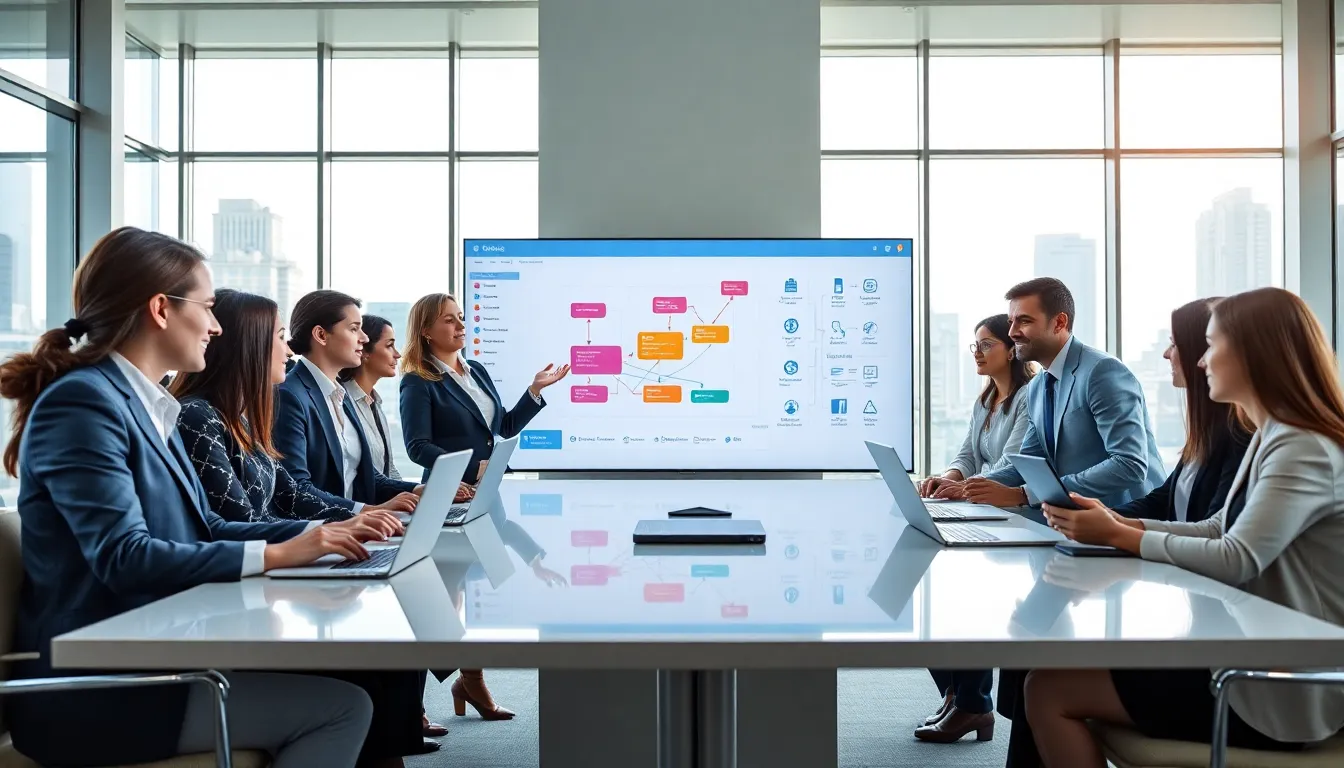
No-code platform ideas are changing how people build digital products. Entrepreneurs, small business owners, and creators can now launch apps, websites, and automated workflows without hiring developers. These tools use visual interfaces and drag-and-drop builders to simplify the process. The result? Faster development, lower costs, and more creative freedom. This article explores practical no-code platform ideas, from business apps to online stores. It also covers how to choose the right tool and launch a project successfully.
Table of Contents
ToggleKey Takeaways
- No-code platforms let entrepreneurs build apps, websites, and automated workflows without hiring developers—saving time and money.
- Popular no-code platform ideas include CRMs, booking apps, online stores, marketplaces, and membership sites.
- Choose a platform based on your project scope, required features, scalability, integrations, and budget.
- Start with a minimum viable product (MVP) to validate your idea before investing in extra features.
- Test thoroughly, collect user feedback, and market your project on social media and platforms like Product Hunt.
- No-code tools enable fast iteration, so continuously monitor analytics and improve based on real user behavior.
What You Can Build With No-Code Tools
No-code tools open the door to a wide range of digital projects. Users can create mobile apps, websites, databases, and automation systems. These platforms handle the technical work behind the scenes.
Here are common project types people build with no-code platforms:
- Mobile and web applications: Tools like Adalo, Glide, and Bubble let users design functional apps with custom features.
- Websites and landing pages: Platforms such as Webflow, Carrd, and Wix offer drag-and-drop editors for professional-looking sites.
- Databases and internal tools: Airtable and Notion help teams organize data and build custom dashboards.
- Automated workflows: Zapier and Make connect different apps and automate repetitive tasks.
No-code platform ideas work well for startups testing a concept, freelancers offering services, and teams building internal tools. The speed advantage matters most. A project that once took months can now launch in weeks, or even days.
These tools also reduce dependency on technical teams. Business owners can prototype ideas, gather feedback, and iterate quickly. That control speeds up decision-making and cuts costs.
Top Project Ideas for No-Code Platforms
Looking for inspiration? These no-code platform ideas cover different industries and use cases. Each one represents a real opportunity to solve problems or generate revenue.
Business and Productivity Apps
Businesses run on systems. No-code platforms make it easy to build custom solutions that fit specific needs.
Customer Relationship Management (CRM) tools: Many small businesses don’t need Salesforce. A simple CRM built on Airtable or Notion can track leads, manage contacts, and log interactions. Users customize fields and views to match their sales process.
Project management dashboards: Teams can build Kanban boards, task trackers, and progress reports. Tools like Monday.com and ClickUp started as no-code solutions. Now anyone can create similar systems.
Booking and scheduling apps: Service providers, coaches, consultants, salons, benefit from appointment systems. Platforms like Calendly work great, but custom booking apps offer more branding control.
Internal portals: Companies often need employee directories, HR request forms, or knowledge bases. No-code tools let teams build these portals without IT department involvement.
E-Commerce and Marketplace Solutions
Selling online doesn’t require a development team anymore. No-code platform ideas in e-commerce range from simple stores to full marketplaces.
Online stores: Shopify and Squarespace let anyone launch a store in hours. Product pages, payment processing, and inventory management come built-in.
Digital product shops: Creators sell ebooks, courses, templates, and downloads. Platforms like Gumroad and Podia handle delivery and payments automatically.
Two-sided marketplaces: Think Airbnb or Etsy, platforms that connect buyers and sellers. Sharetribe and Bubble enable marketplace creation without code. Users can build rental platforms, freelancer directories, or local service exchanges.
Membership sites: Content creators monetize audiences through paid memberships. Tools like Memberstack and Circle combine community features with subscription billing.
Choosing the Right No-Code Platform for Your Idea
Not all no-code platforms serve the same purpose. Picking the right one depends on the project type, budget, and technical requirements.
Define the project scope first. A simple landing page needs different tools than a multi-user marketplace. Write down the core features before exploring platforms.
Consider these factors when evaluating no-code platform ideas:
| Factor | Questions to Ask |
|---|---|
| Features | Does the platform support the functionality you need? |
| Scalability | Can it handle growth in users or data? |
| Integrations | Does it connect with tools you already use? |
| Pricing | What are the costs at different usage levels? |
| Learning curve | How long will it take to become proficient? |
Match platforms to project types:
- For mobile apps: Adalo, FlutterFlow, or Thunkable
- For websites: Webflow, Framer, or Carrd
- For databases: Airtable, Notion, or Baserow
- For automation: Zapier, Make, or n8n
- For marketplaces: Sharetribe or Bubble
Most platforms offer free tiers or trials. Testing a few options before committing saves time and money. Build a small prototype to see how the tool feels in practice.
Also check the platform’s community and support resources. Active forums, tutorials, and templates speed up the learning process. Platforms with strong communities often have pre-built components that reduce development time.
Tips for Launching Your No-Code Project Successfully
Building is only half the battle. Launching a no-code project requires planning, testing, and promotion.
Start with a minimum viable product (MVP). Focus on core features that solve the main problem. Extra features can wait. An MVP lets creators validate the idea with real users before investing more time.
Test thoroughly before launch. Click every button. Fill out every form. Ask friends or colleagues to test the project and report bugs. No-code tools simplify building, but testing still matters.
Plan for user feedback. Add a feedback form or chat widget to collect input. Early users often spot issues and suggest improvements that creators miss.
Don’t skip marketing. A great product means nothing if no one knows about it. Share the project on social media, relevant forums, and communities. Product Hunt remains a popular launch platform for new tools and apps.
Document the process. Writing about the build journey attracts attention and establishes credibility. Blog posts, Twitter threads, and YouTube videos about no-code platform ideas draw audiences interested in similar projects.
Monitor and iterate. Track how users interact with the project. Analytics reveal what works and what needs improvement. No-code platforms make updates fast, so iteration should be continuous.